On This Page
Step 2A: Create a Shared Secret Key Pair
- On the left navigation panel, choose
 Payment Configuration > Key Management.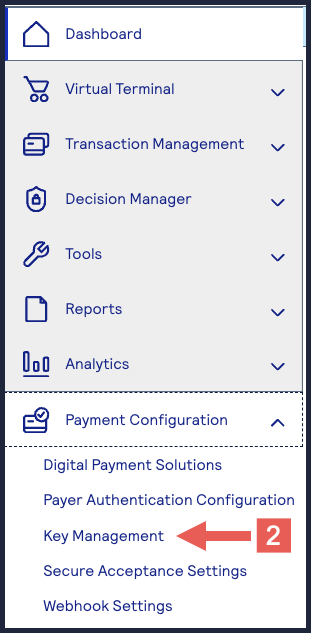
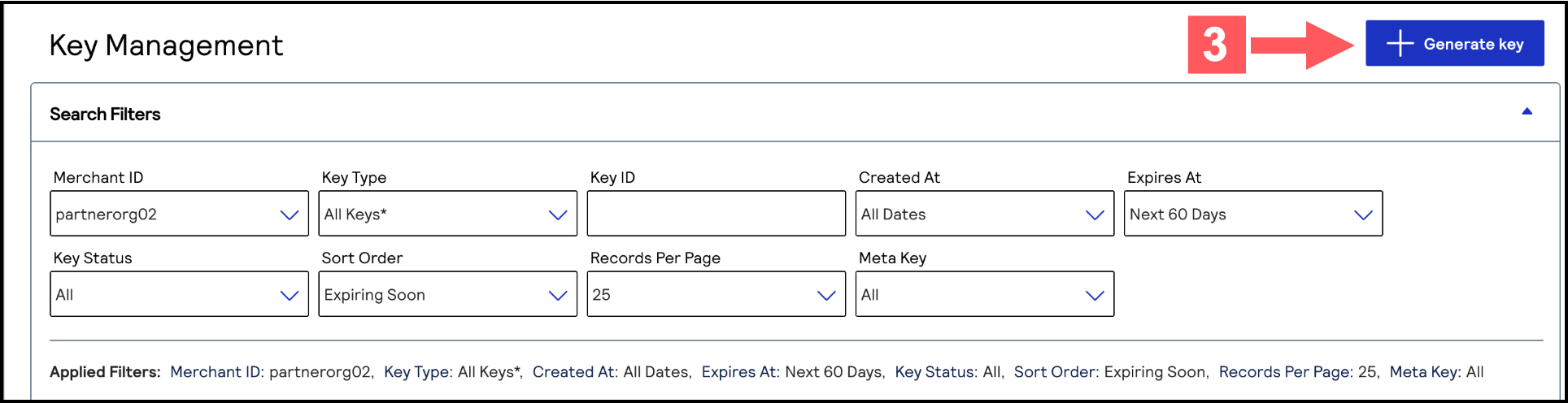
- Click+ Generate keyon the Key Management page.
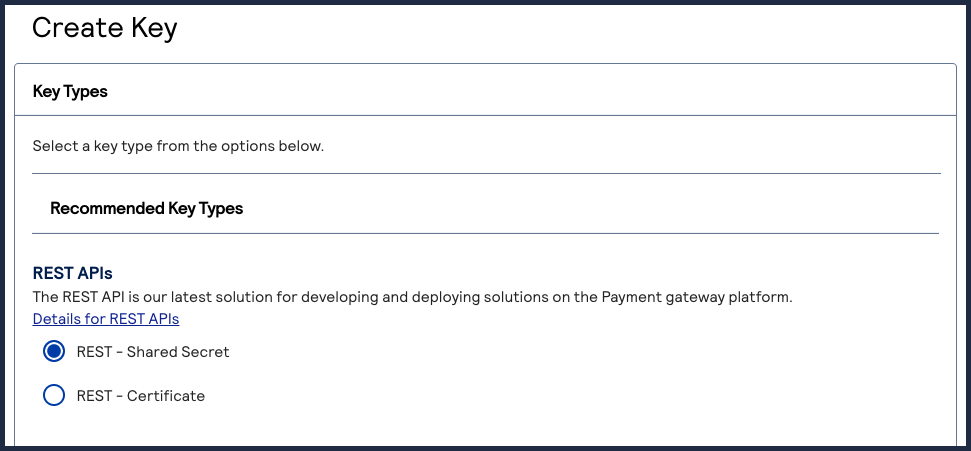
- Under REST APIs, chooseREST – Shared Secretand then clickGenerate key.
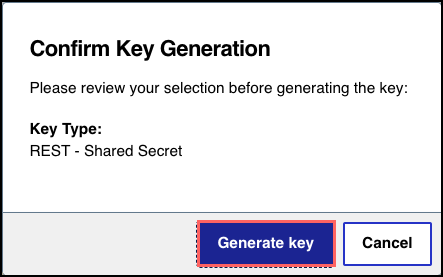
 The REST API Shared Secret Key page appears.
 - ClickGenerate keyafter reviewing the key details.
- ClickDownload key
 .The.pemfile downloads to your desktop.
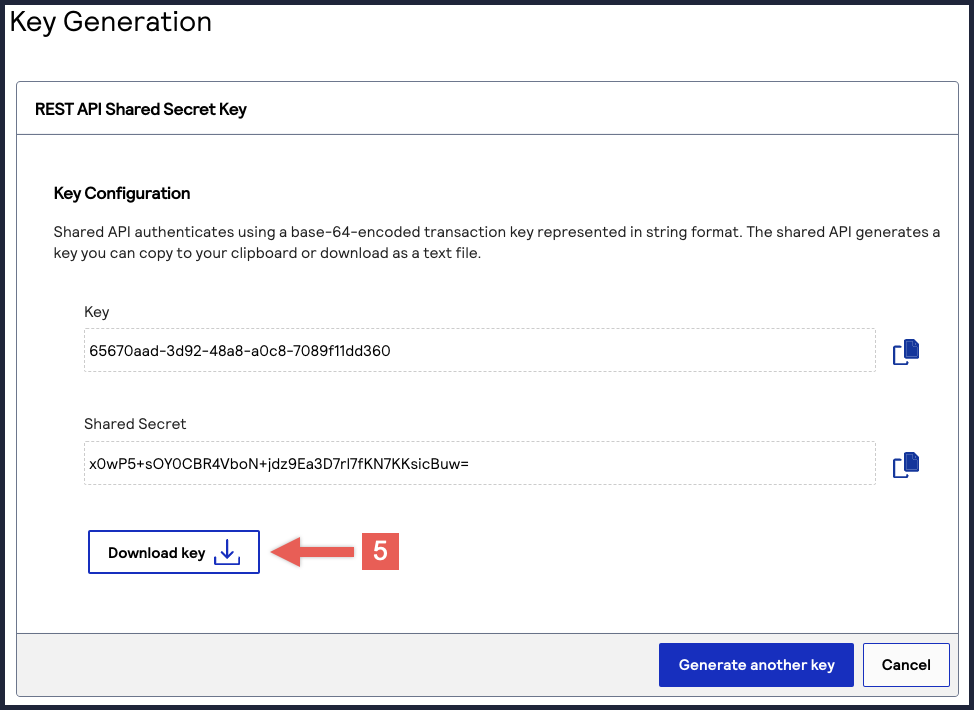 TheKeyvalue is yourkey IDand theShared Secretvalue is yourshared secret key.IMPORTANTSecurely store the key credentials and.pemfile in your system. These credentials are required in order to implement certain products, and you must be able to access them.
- What to do next
- To test your shared secret key pair, see Step 2B: Test Your Shared Secret Key Pair.